WINDOW / 01
Remaining or used
Choose the view that matches how you think. Reset-capable windows can show relative or absolute timing.
Keep current usage windows, reset timing, widgets, and local alerts for every AI coding tool you use in one focused dashboard.
iPhone, iOS 17 or later, Apple Watch, and the Mac menu bar companion. Connect accounts on any of them; Apple devices can share them through iCloud. No JoCoding account required. See what’s inside
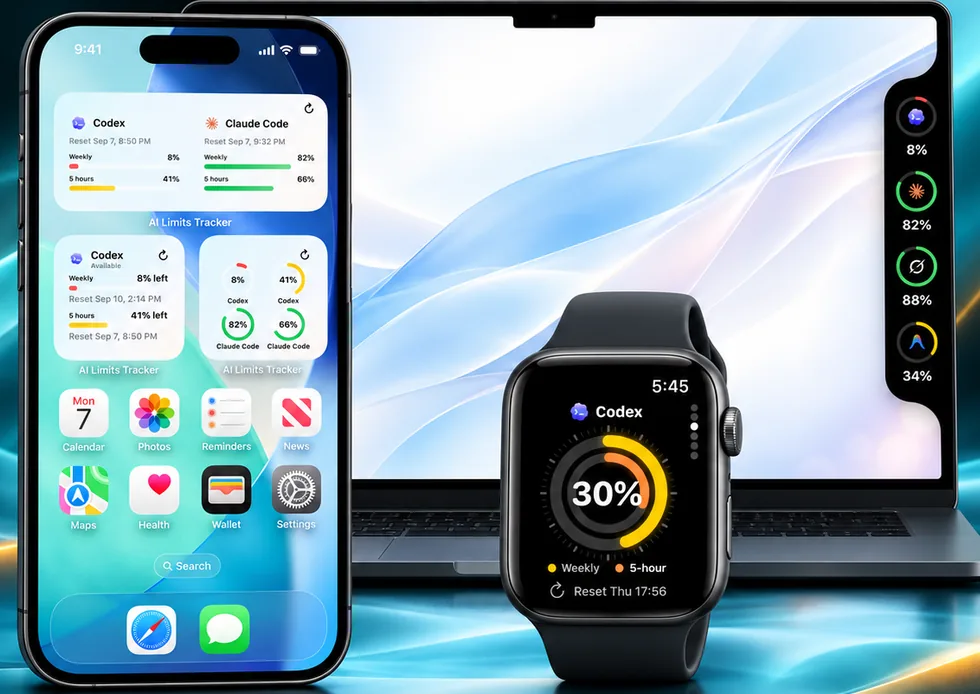
The app normalizes compatible usage windows into a quiet surface designed for quick decisions, not another stream of notifications.
Choose the view that matches how you think. Reset-capable windows can show relative or absolute timing.
The latest successful snapshot stays available for the dashboard and widgets until the next refresh.
Credential-free widget snapshots and best-effort local alerts keep the useful signal close to the system.
The Mac menu bar companion is on the Mac App Store. Same Apple Account for Pro. Connections and the latest usage follow through iCloud after you connect on either device.
The same normalized windows, wherever you happen to be looking.
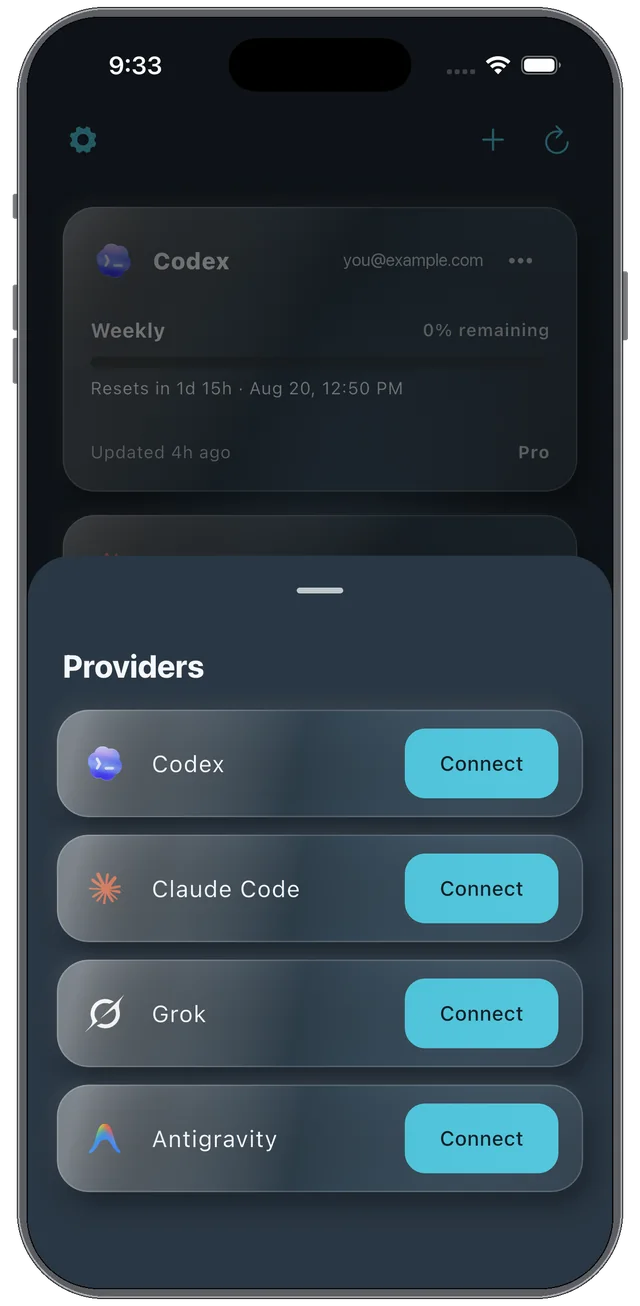
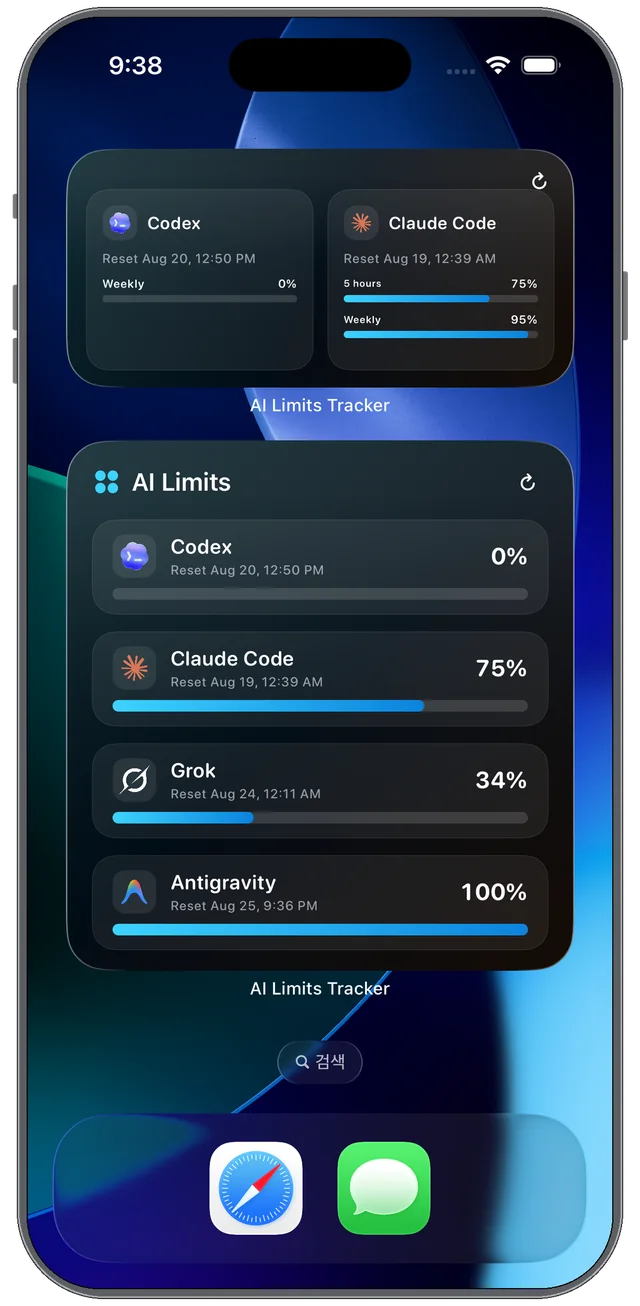
The companion is on the Mac App Store. Connect on either device and the same accounts, windows, and reset times follow through iCloud.
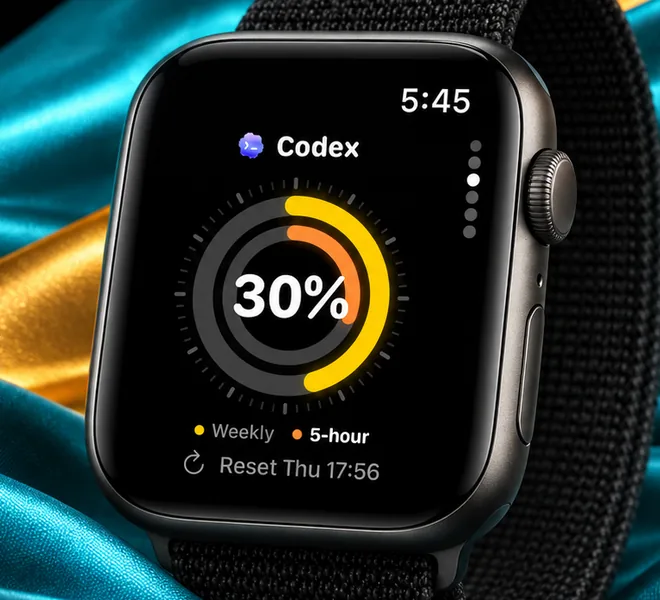
The watchOS companion reads the same iCloud-shared accounts: a ring face per account, an overview grid, and complications that keep the tightest window on the watch face.
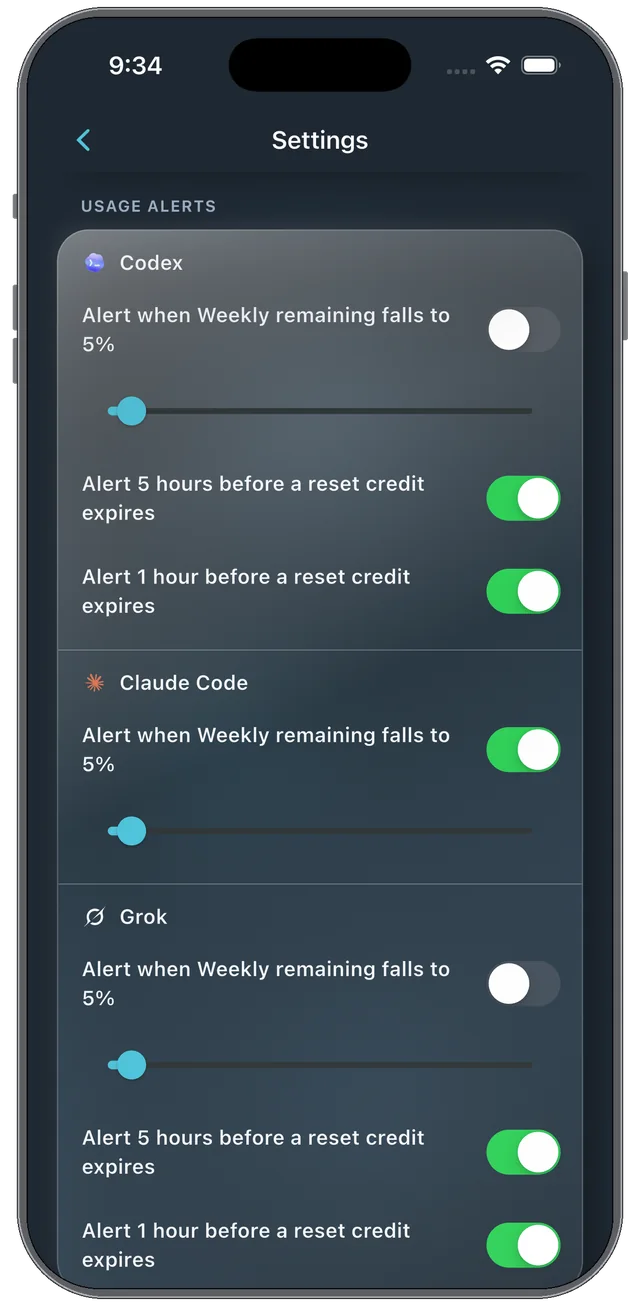
Two alerts you switch on per account, four that schedule themselves. Reset-time and credit-expiry alerts are OS calendar triggers, so they arrive even with the app closed.
Fires when the weekly window — or the first limit, if there is no weekly one — falls to the percentage you choose. Default 5%.
Grok · Weekly limit — 22% or less remaining.5 hours and 1 hour before a credit expires, both on by default, for Codex and Grok. Scheduled only when the provider returns an expiry time: Codex usually does. When Grok leaves it out, the toggle stays but nothing is scheduled.
When a 5-hour or weekly window ends.
Claude Code · 5-hour limit — Reset time.When a refresh confirms the window turned over ahead of schedule, from a provider-side reset or a reset credit you spent.
When a token expires and usage can no longer be read.
Only when the last success is over 60 minutes old and a refresh you asked for failed. Never from an automatic one.
Threshold and early-reset alerts have to read usage in the background, so force-quitting the app or turning off Background App Refresh can delay them. Reset-time and credit-expiry alerts are scheduled ahead as OS calendar triggers and arrive with the app closed. Nothing else is sent — no recovery ping, no quiet-hours queue.
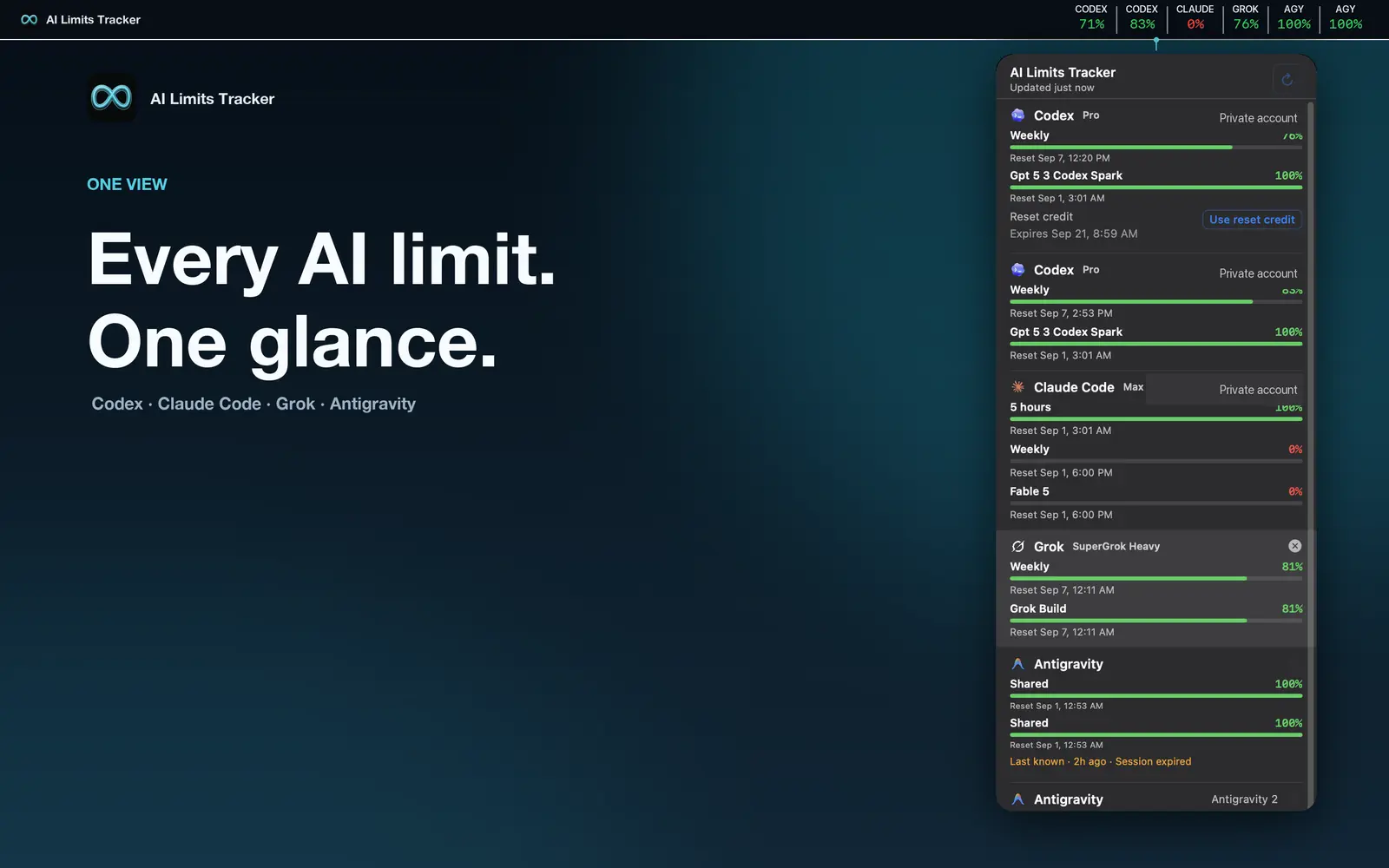
An app that shows how much of your Claude Code, Codex, Grok, and Antigravity usage limits is left — the 5-hour and weekly windows and when each one resets — in one dashboard, on iPhone widgets, Apple Watch, and the Mac menu bar.
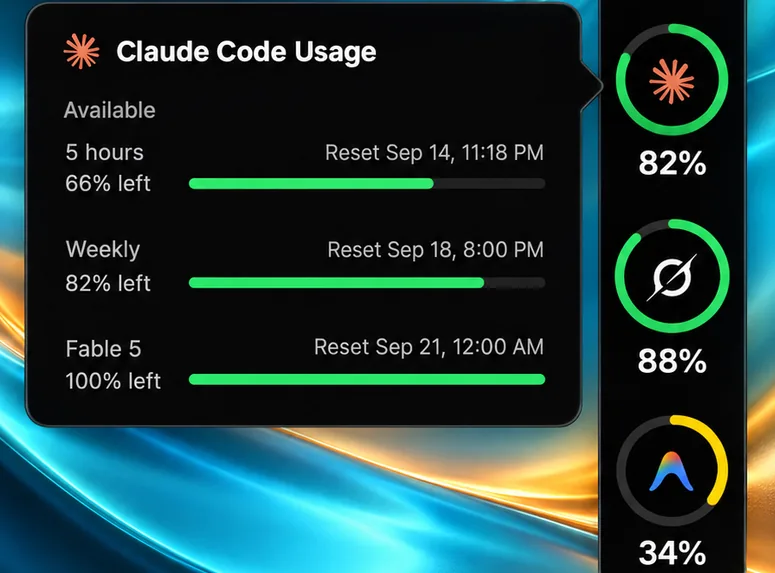
Connect your Claude account with Anthropic’s own sign-in. The app reads your 5-hour session and weekly limits directly from Anthropic, shows the percentage remaining and the exact reset time, and can alert you before a window runs out.
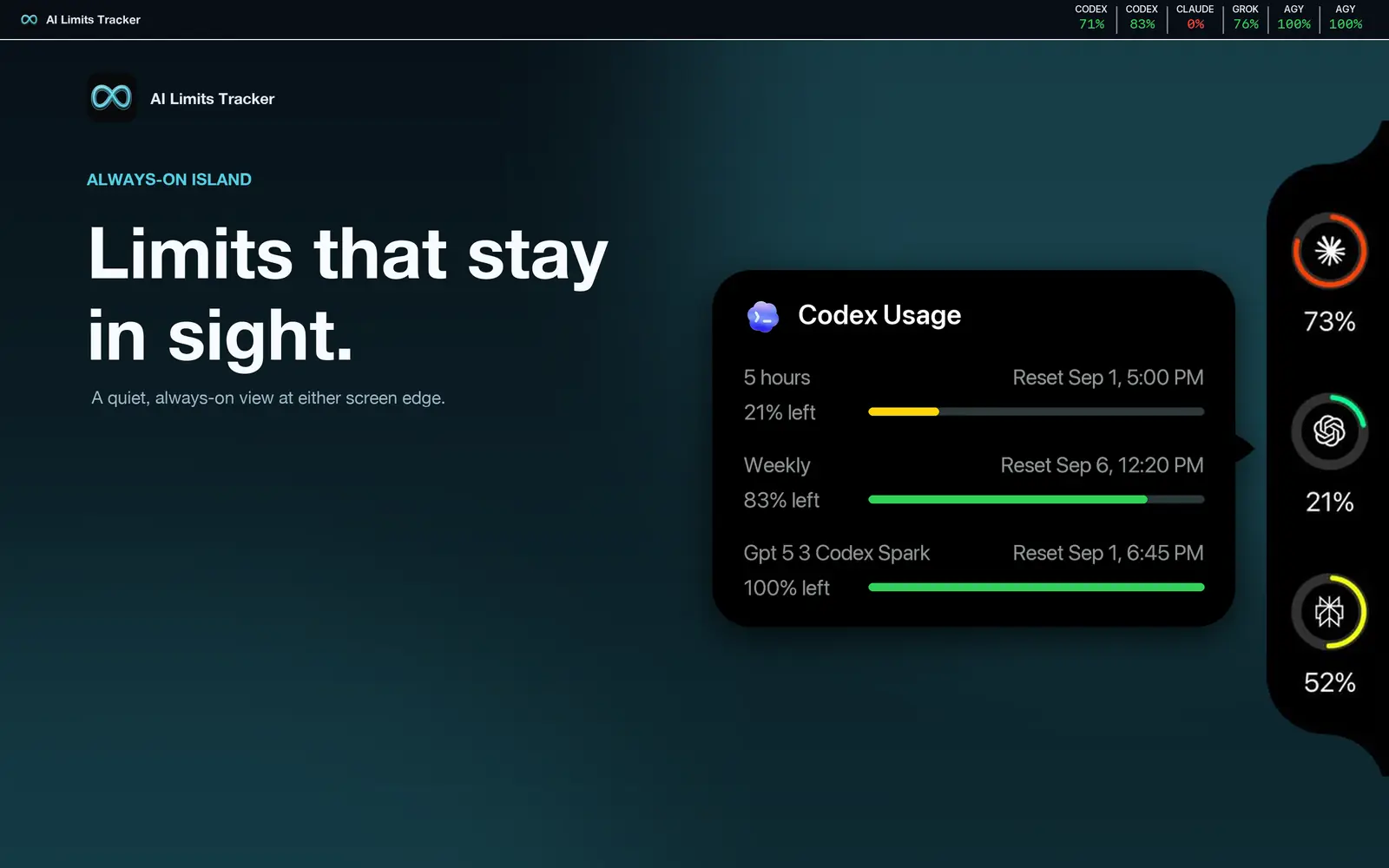
Yes. For Codex it shows the 5-hour and weekly windows, additional pools such as Spark, and any reset credits with their expiry time.
No. You sign in with each provider’s own login, and the app reads only usage numbers — never prompts, code, or conversations. Credentials stay in your device’s secure storage (iCloud Keychain on Apple devices) and are never sent to JoCoding servers.
iPhone with iOS 17 or later, Apple Watch, and the Mac through the menu bar companion on the Mac App Store. Apple devices share connected accounts through your iCloud. An Android version is available on Google Play.
It is free to download and use with one connected account. Pro — monthly, annual, or lifetime — adds more accounts and multi-account widgets, and one purchase covers iPhone and Mac on the same Apple Account.
AI Limits Tracker is designed around direct provider communication and device storage.