5-hour and weekly limits
How much of each window is left and when it resets, in your local time.
AI Limits Tracker reads the Codex limits of your ChatGPT account straight from OpenAI — the 5-hour and weekly windows, the percentage left, the exact reset time, and any reset credits you can spend.
Free with one connected account. iPhone (iOS 17 or later), Apple Watch, Mac menu bar, and Android.
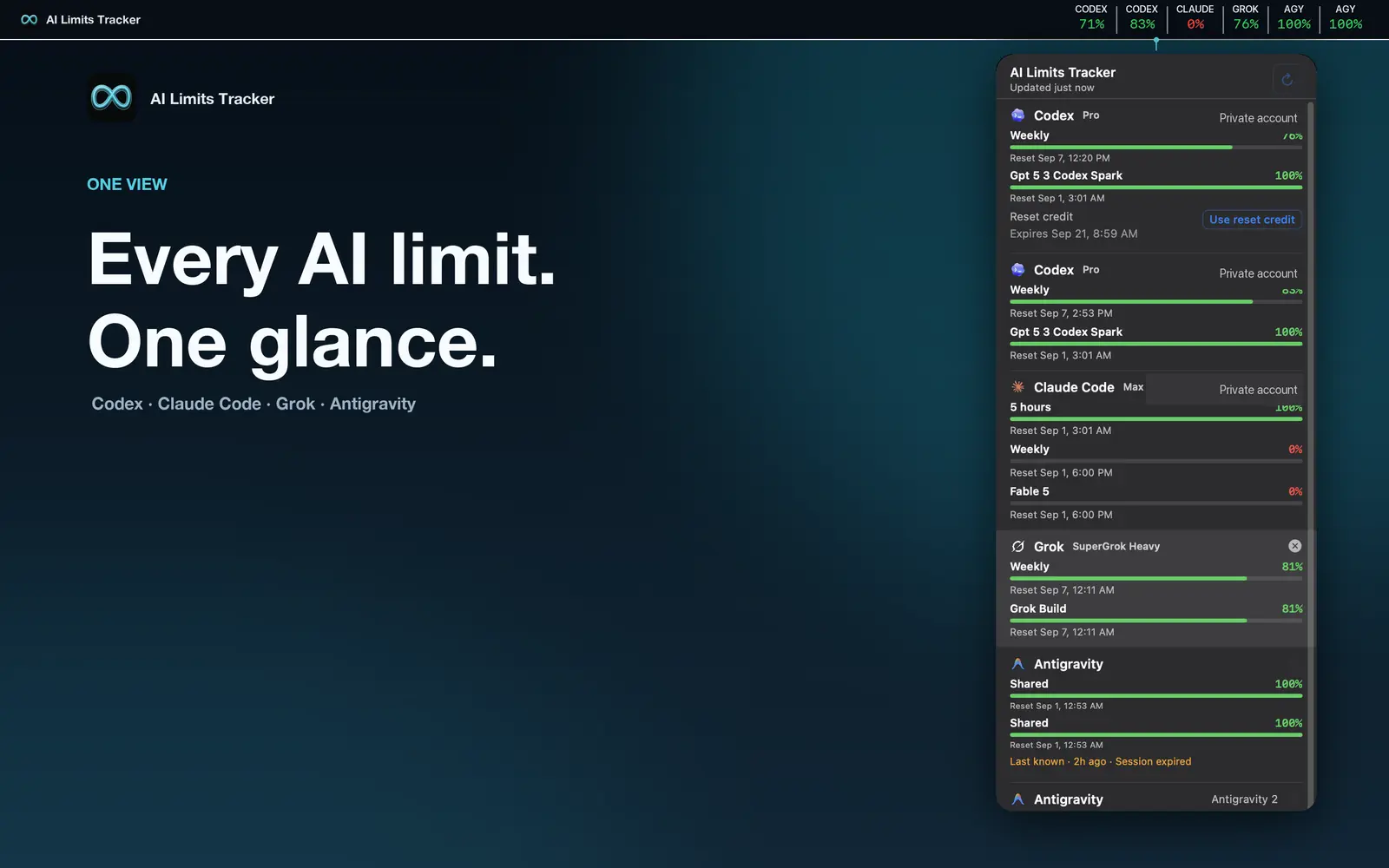
How much of each window is left and when it resets, in your local time.
Additional Codex limits appear as their own named rows instead of being hidden.
Each available reset credit with its expiry time — and you can spend one from the app, with a confirmation, when a limit runs dry.
Reminders 5 hours and 1 hour before a reset credit expires, and a notification when the weekly limit falls to your threshold.
On iPhone, Mac, or Android. No JoCoding account needed.
Sign in with the ChatGPT account you use for Codex, through OpenAI’s own login. No API key.
Add a Home Screen widget, keep the Mac menu bar item, or put a complication on your Apple Watch.
Connect the ChatGPT account you use for Codex in AI Limits Tracker. The 5-hour and weekly limits appear with the percentage left and the reset time, together with any extra pools such as Spark.
Credits that reset your Codex limits before their scheduled time. The app lists each one with its expiry time, reminds you 5 hours and 1 hour before it expires, and lets you spend one after a confirmation.
Each window has its own reset time. The app shows the exact time for the 5-hour and weekly limits in your local time zone, and notifies you when a limit resets — including early resets.
It works with the ChatGPT account you use for Codex and shows whichever limits OpenAI reports for your plan.
No. GPT-6 Astra draws on the same Codex 5-hour and weekly limits as the other models, and a heavy model like Astra can use them up faster. AI Limits Tracker shows those limits, so you can see how much room Astra has left before you start a long task.